01 / 14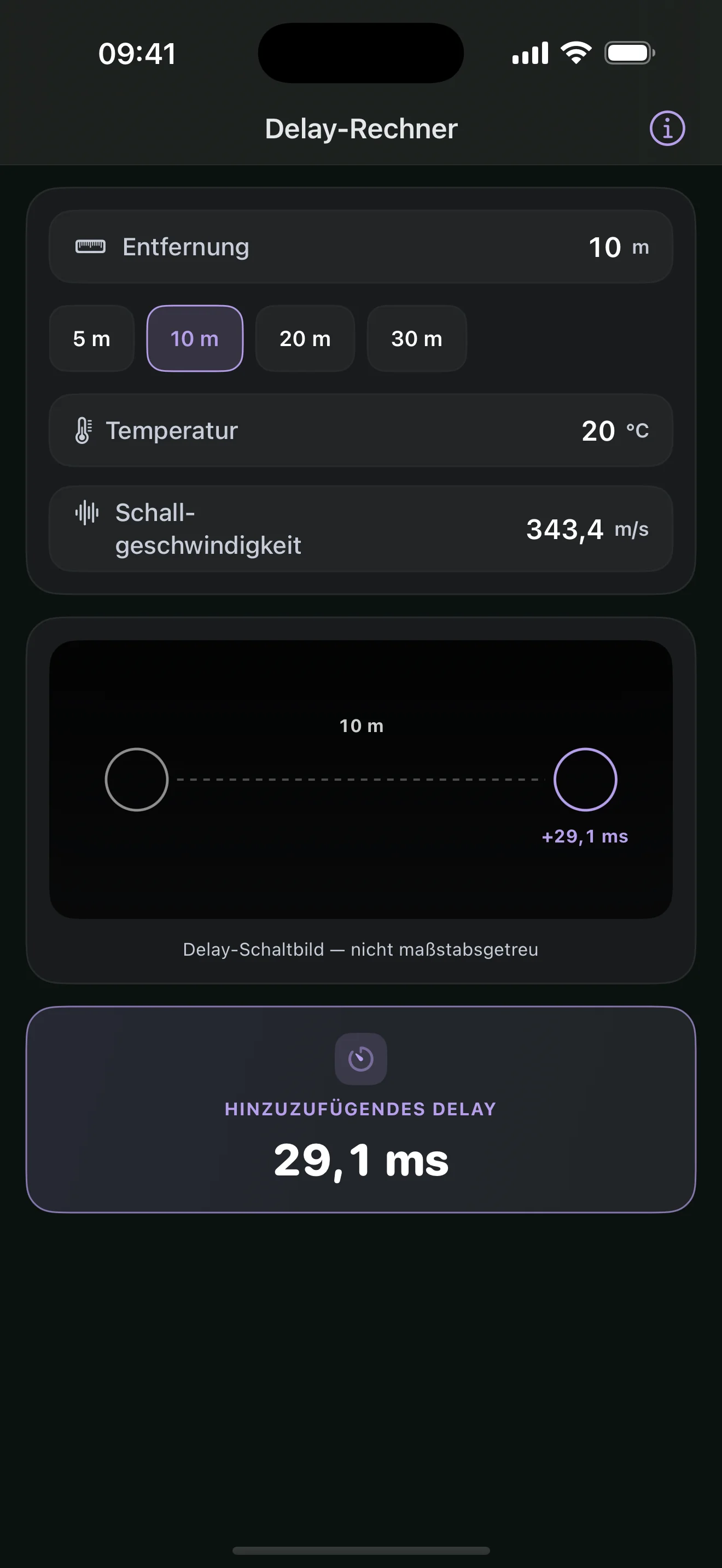
Delay Calculator
Calculates the delay time from distance and air temperature to align a speaker with the main PA.
Why you need it
So delay towers and fill speakers stay in sync with the main PA without manual math.
 AV TOOLKIT
FOR PLANNING / SETUP / OPERATION
AV Toolkit brings calculators, converters, and network utilities for audio, video, lighting, power, and IT together on your iPhone — all in one app.
SELECTED TOOLS
This selection shows what AV Toolkit brings to planning, setup, and troubleshooting. The complete app includes 31 tools.
Calculates the delay time from distance and air temperature to align a speaker with the main PA.
So delay towers and fill speakers stay in sync with the main PA without manual math.
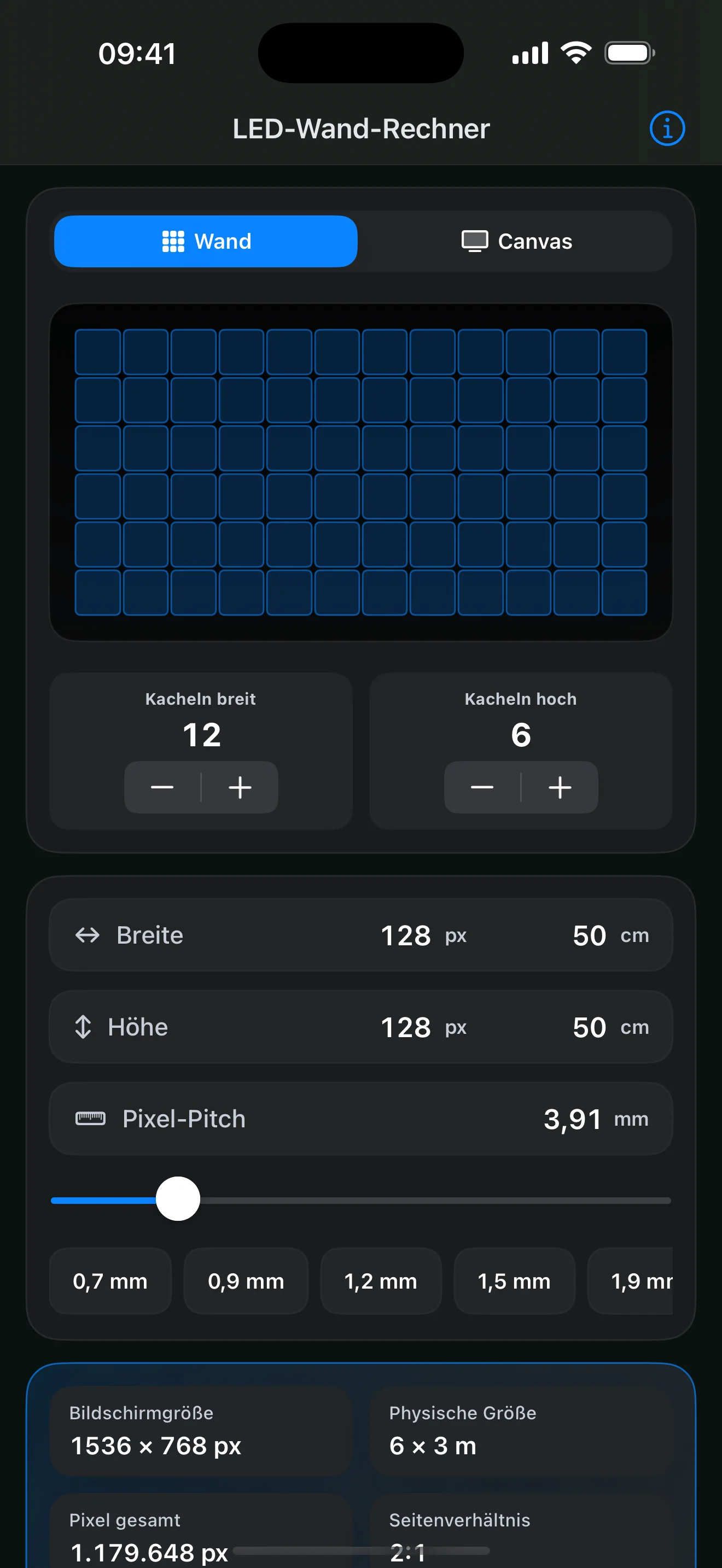
Uses cabinet layout and pixel pitch to calculate physical dimensions, pixel resolution, and screen position.
So rigging dimensions, processor canvas, and content resolution describe the same wall.
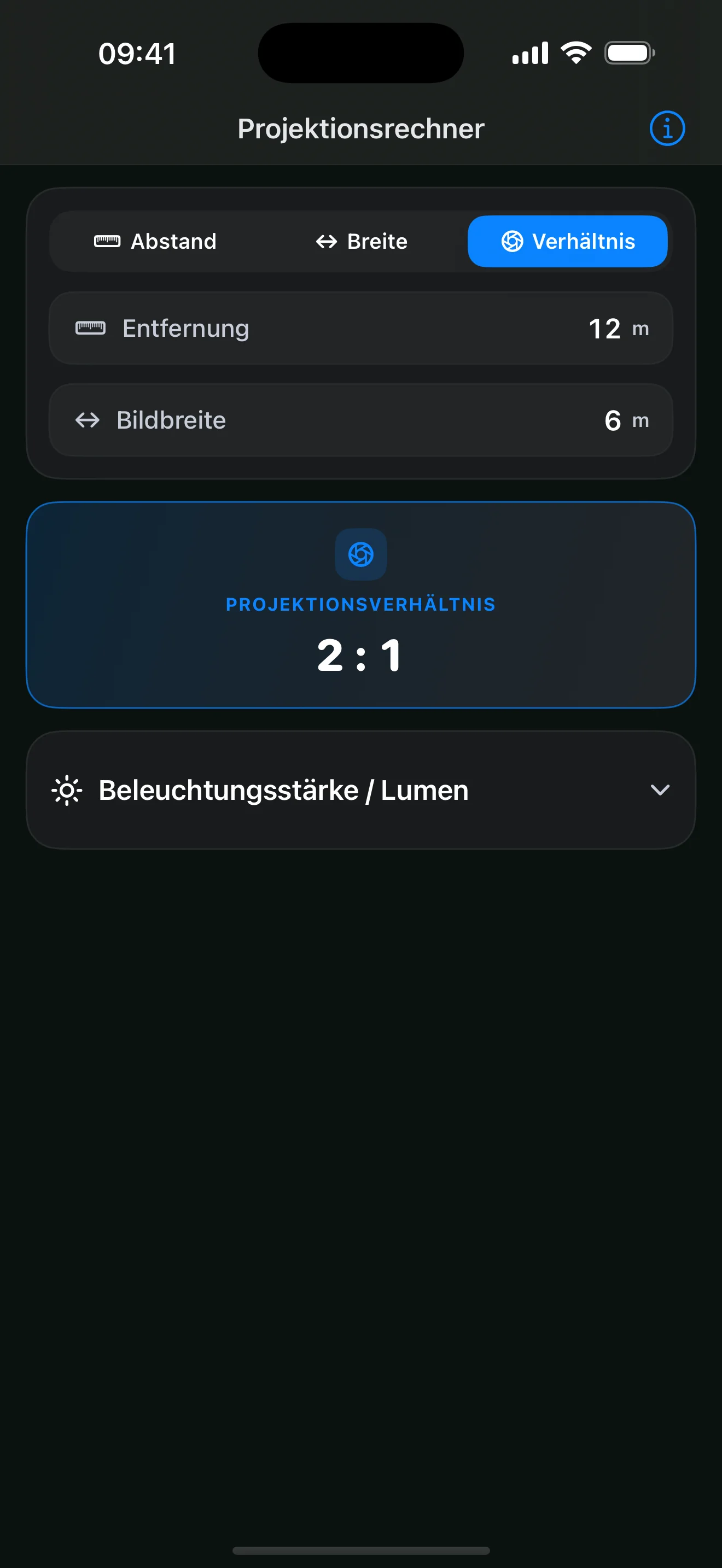
Calculates throw distance, image width, or lens ratio while keeping all three values easy to verify.
So projector position, required image size, and available lens match before setup begins.
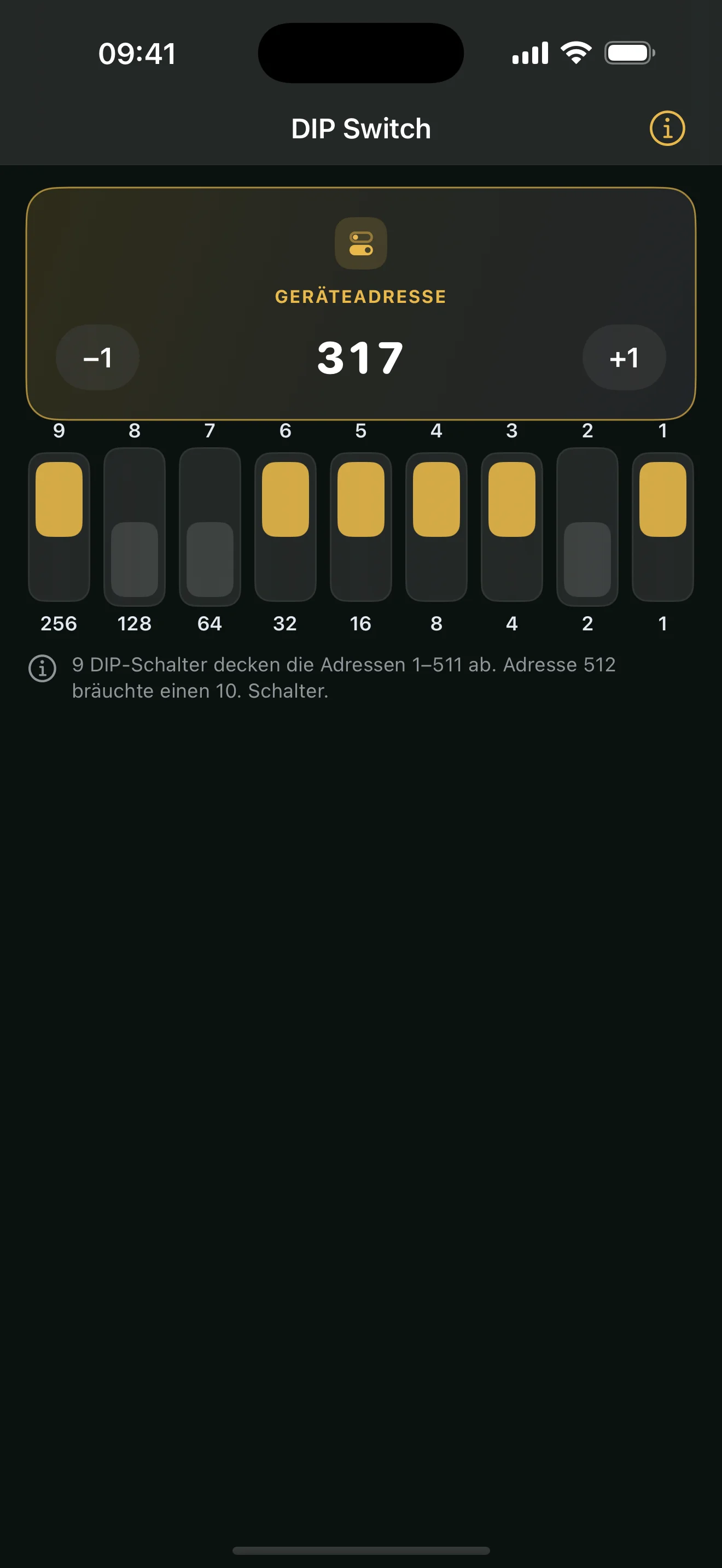
Translates a DMX address directly into the position of all nine DIP switches.
So older fixtures can be addressed quickly and unambiguously without a manual.
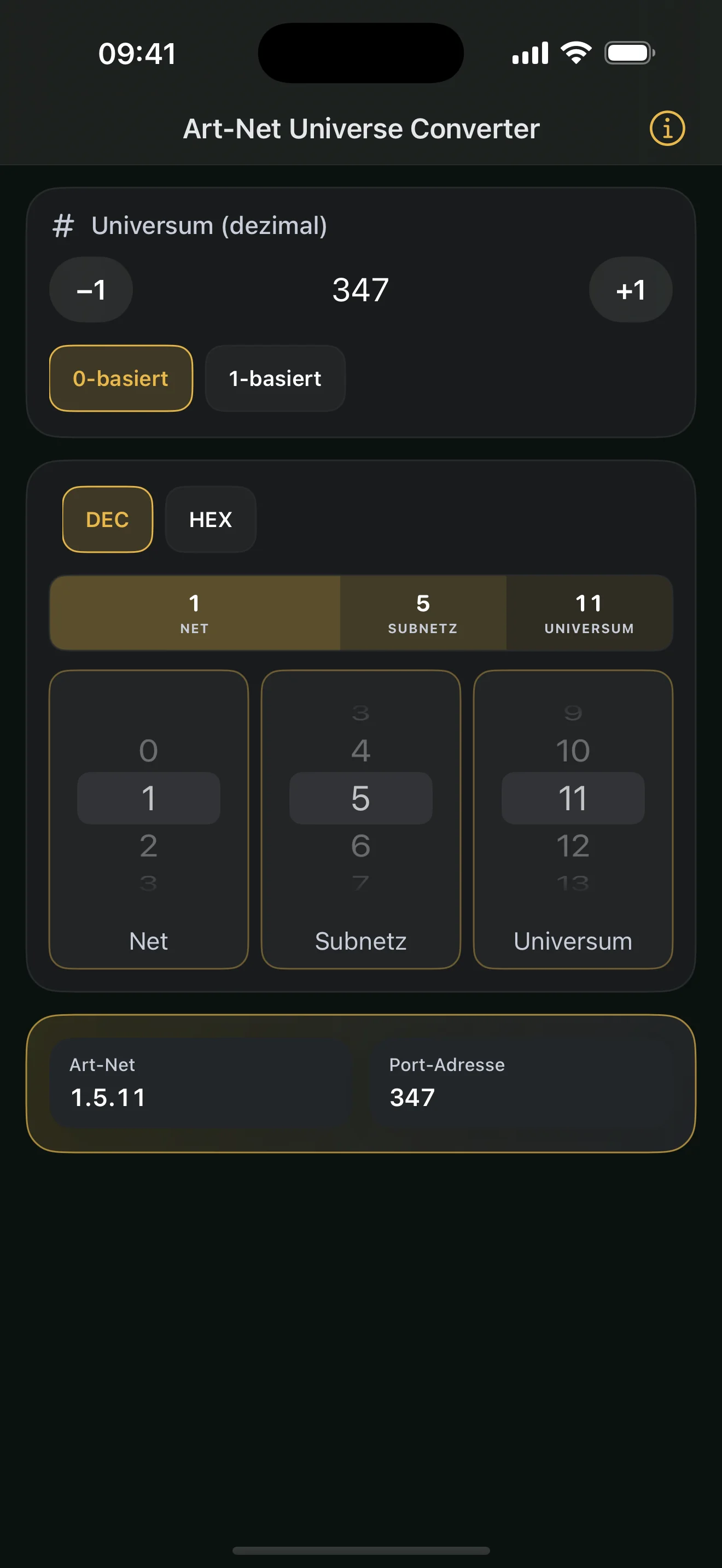
Converts between decimal universe, Net, Sub-Net, and Art-Net Universe values.
So consoles, nodes, and software reach the same universe despite different numbering conventions.
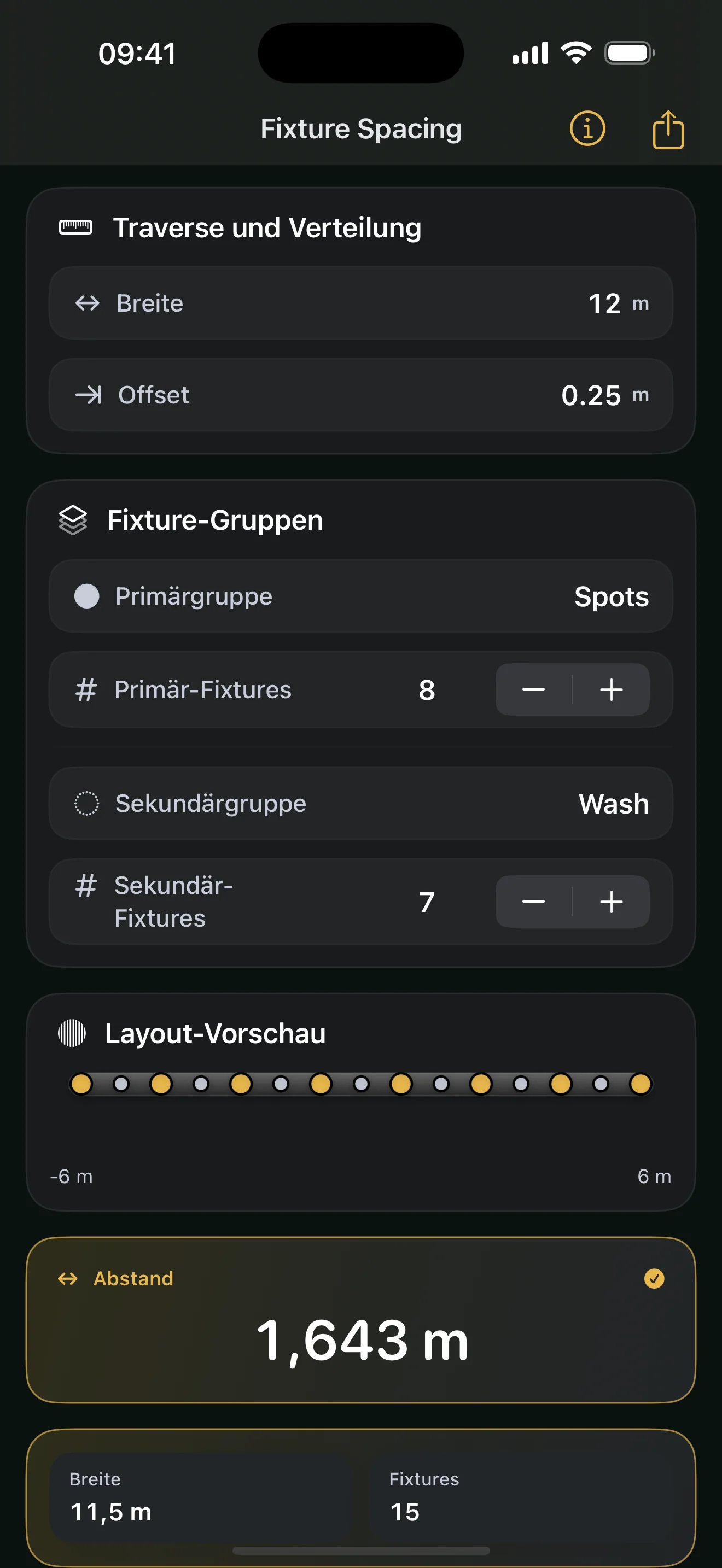
Distributes fixtures symmetrically across a truss and shows spacing and edge offsets.
So hanging positions are directly measurable instead of being estimated by eye.
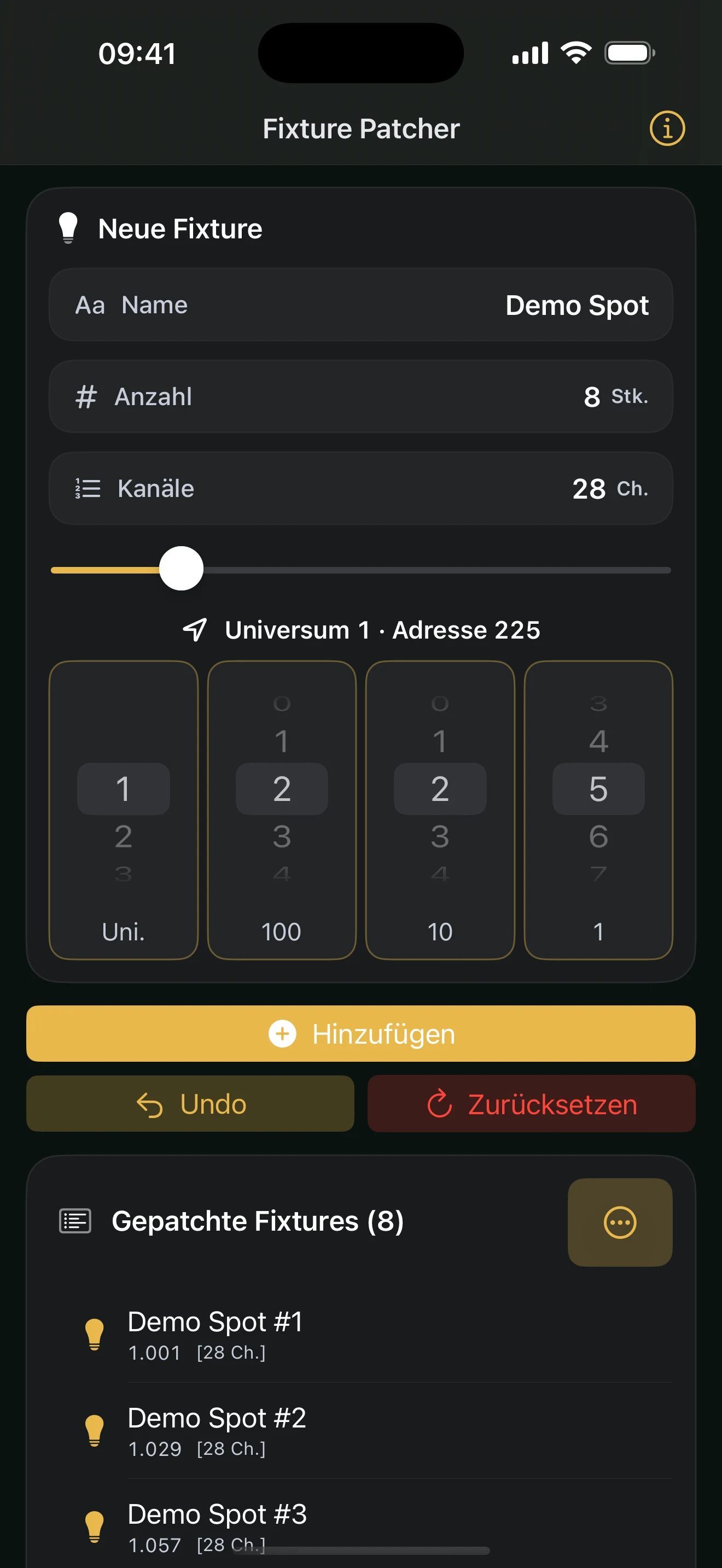
Plans consecutive DMX address ranges from a start address, fixture count, and channel footprint.
So a patch remains contiguous and address overlaps are visible before programming.
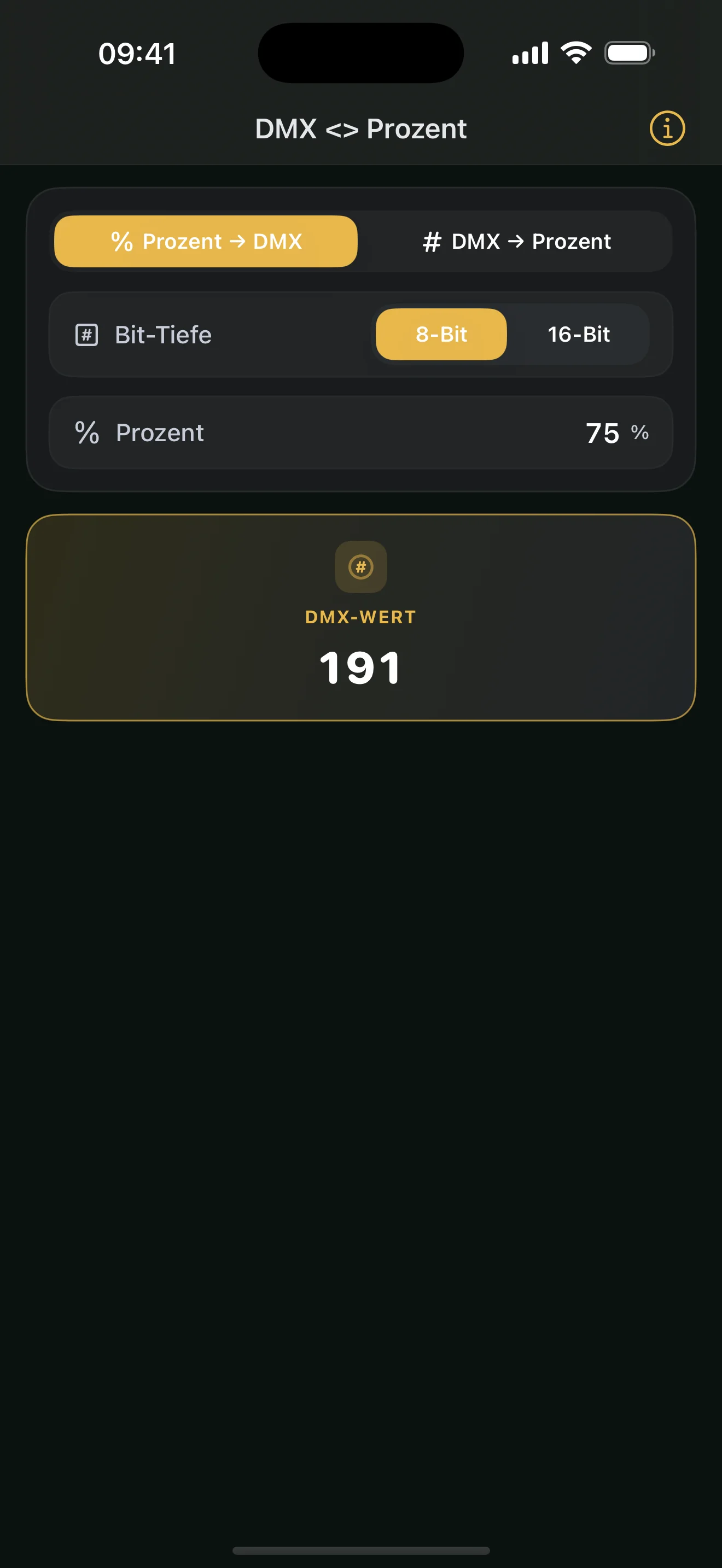
Converts DMX and percentage values at 8-bit or 16-bit resolution.
So percentages from specifications and concrete DMX values can be compared without mental arithmetic.
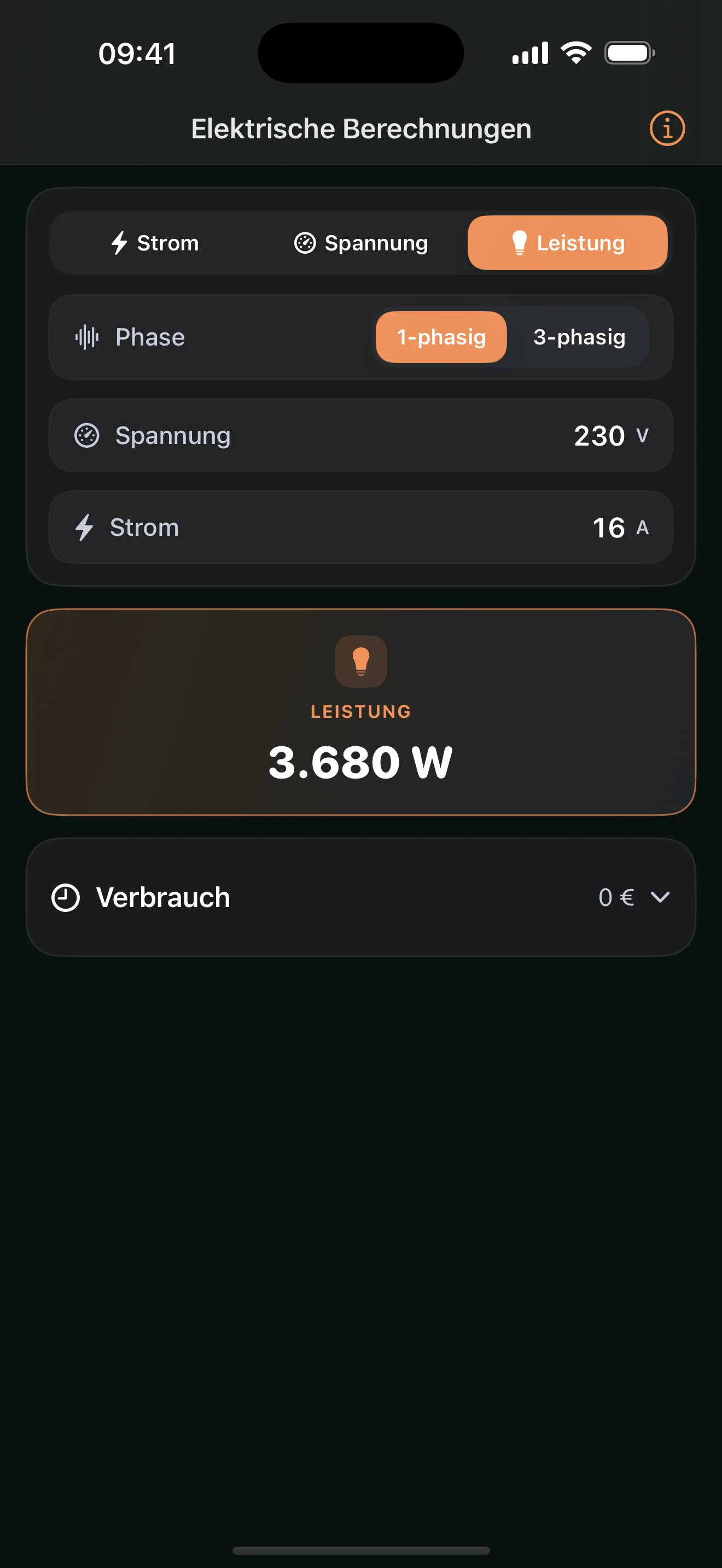
Relates current, voltage, power, and energy for common single- and three-phase applications.
So connected loads and available supplies can be sanity-checked before distribution.
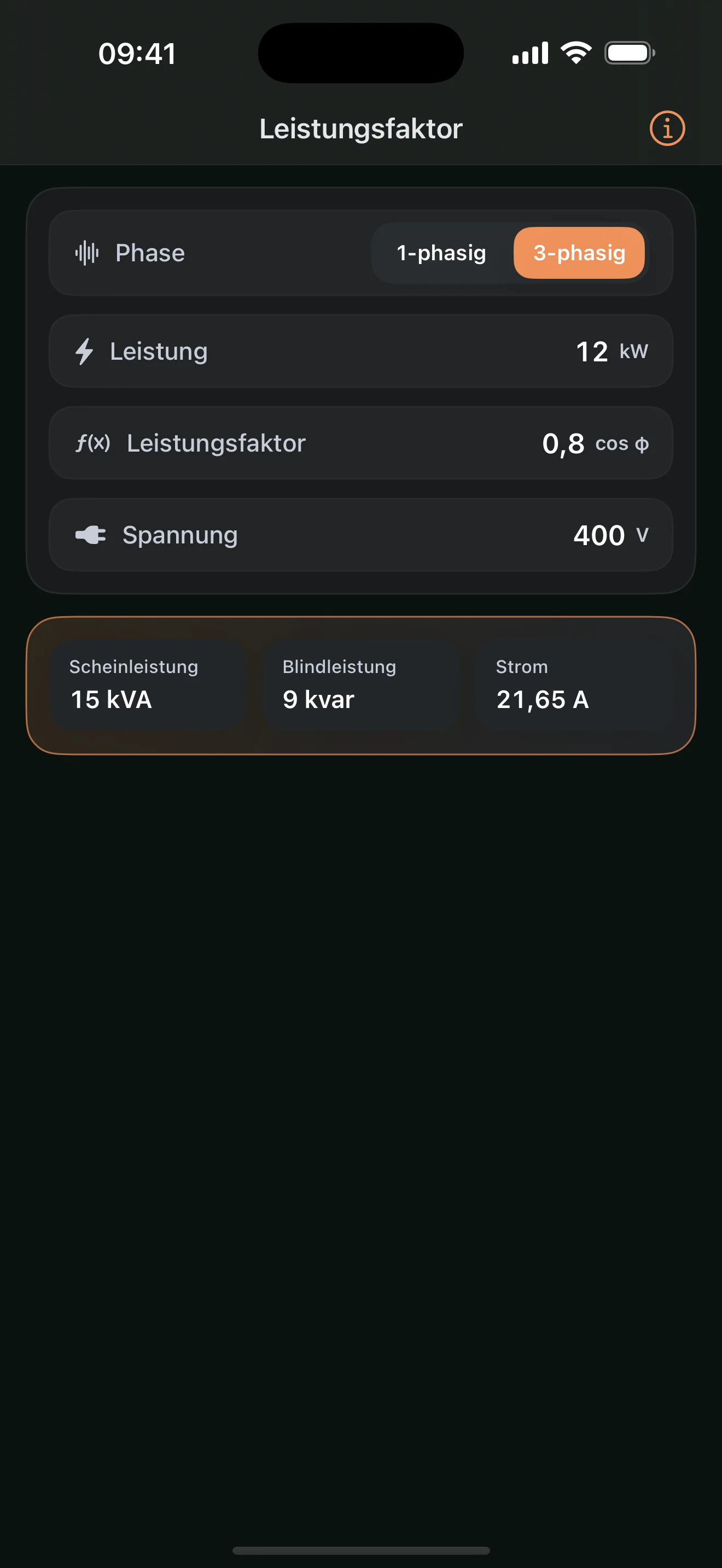
Calculates apparent power, reactive power, and current from real power and power factor.
So generators, UPS systems, and supplies are not sized from real power alone.
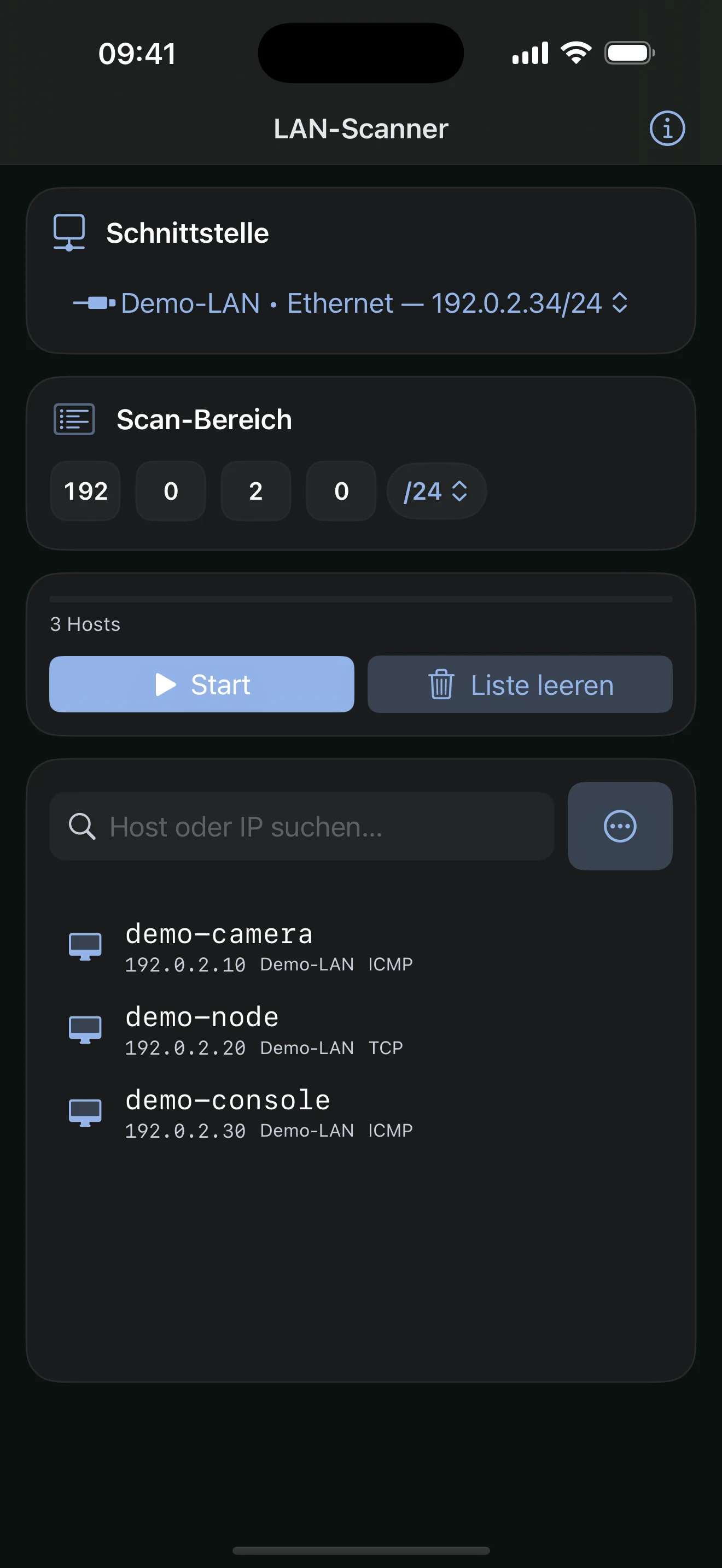
Searches a local IPv4 range for reachable devices and optionally resolves hostnames.
So unknown or poorly documented devices can be found on the local production network.
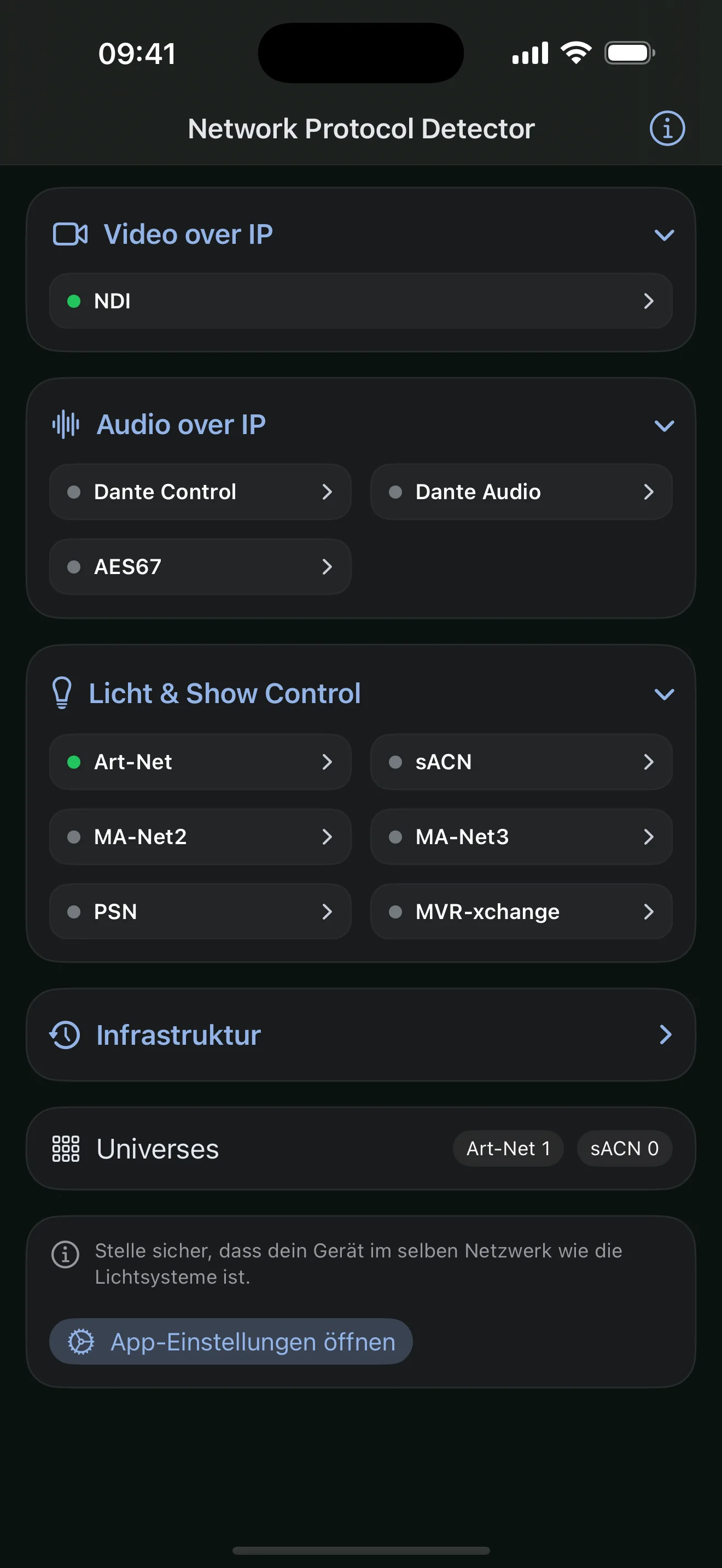
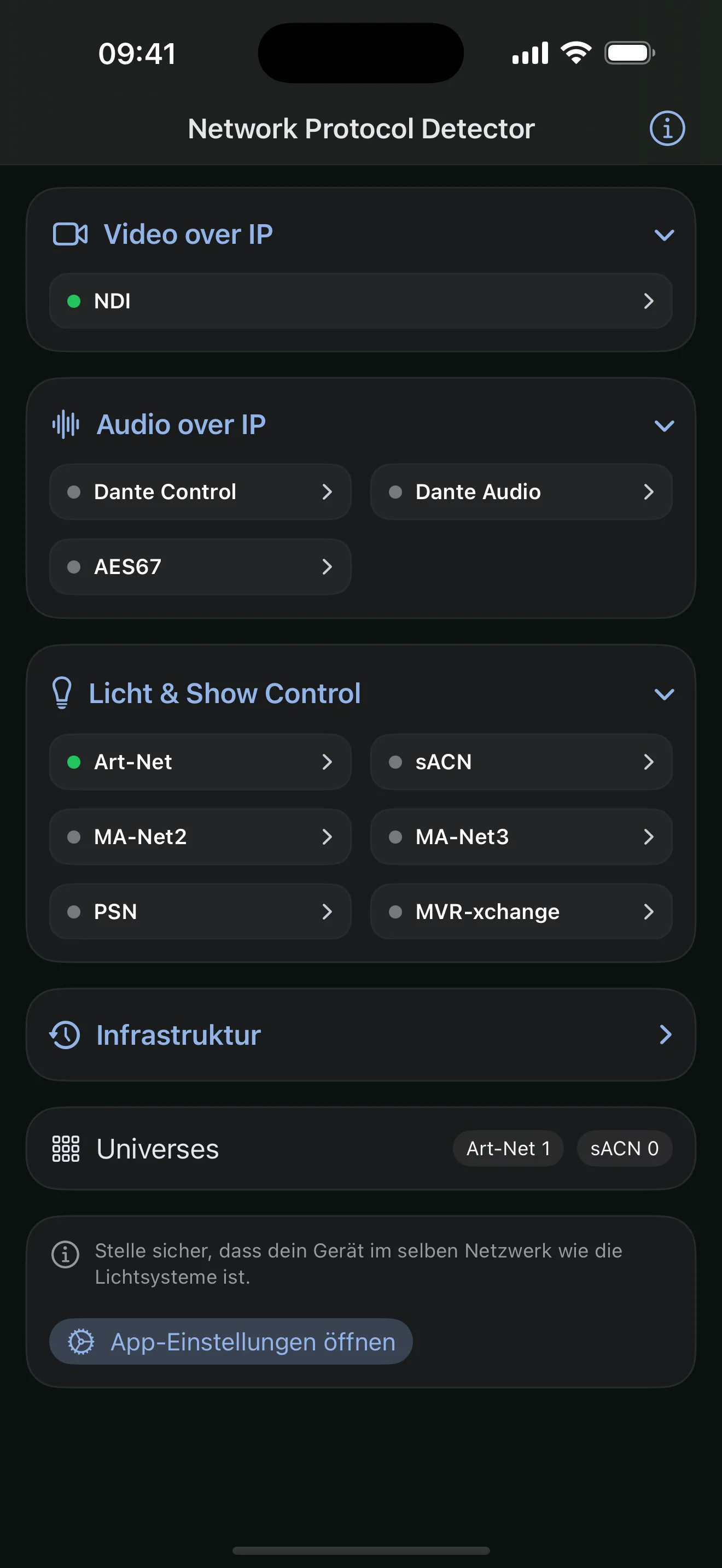
Detects relevant Art-Net, sACN, MA-Net, NDI, Dante, AES67, and other AV network traffic.
So you can see which AV systems are actually transmitting on the production network.
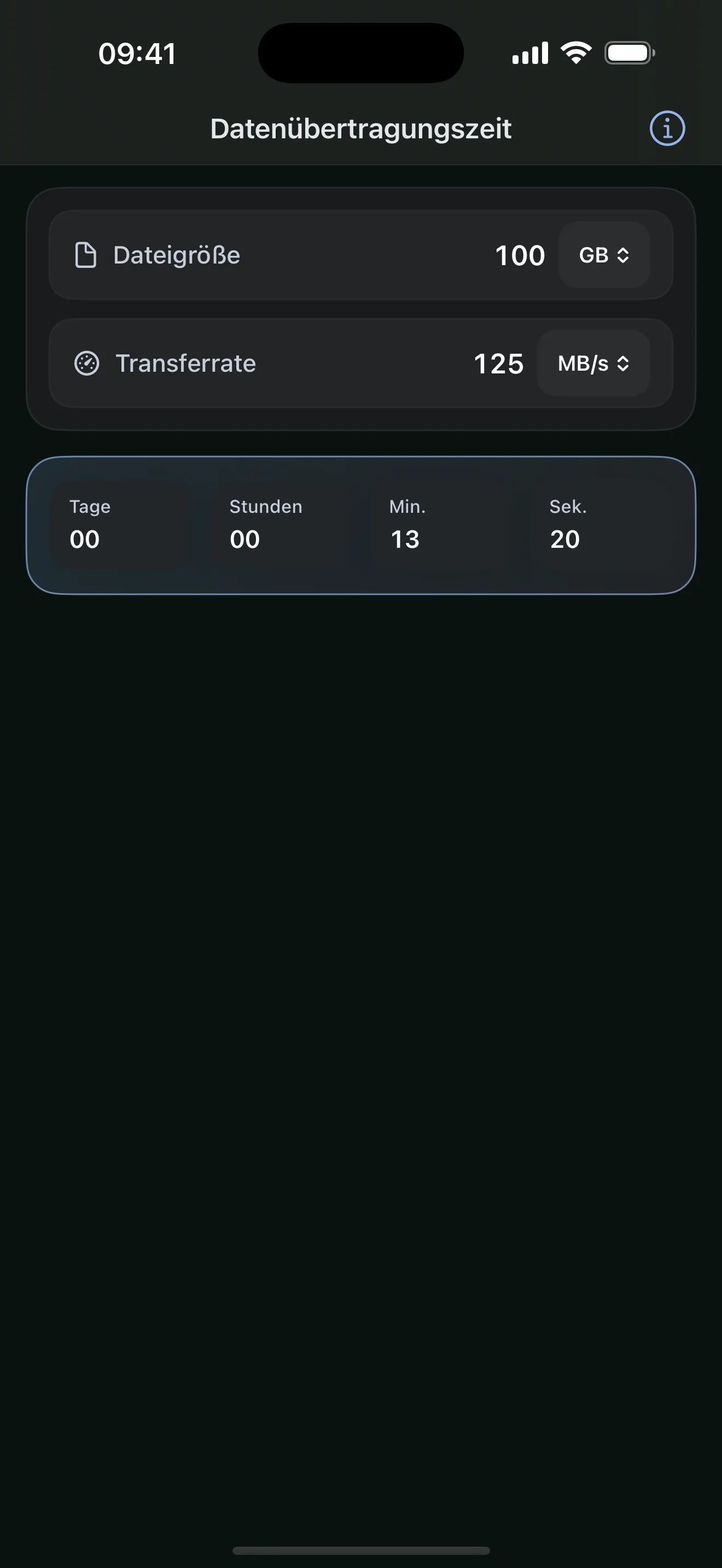
Calculates expected transfer duration from data volume and available throughput.
So copy windows, backups, and media handovers can be scheduled realistically.
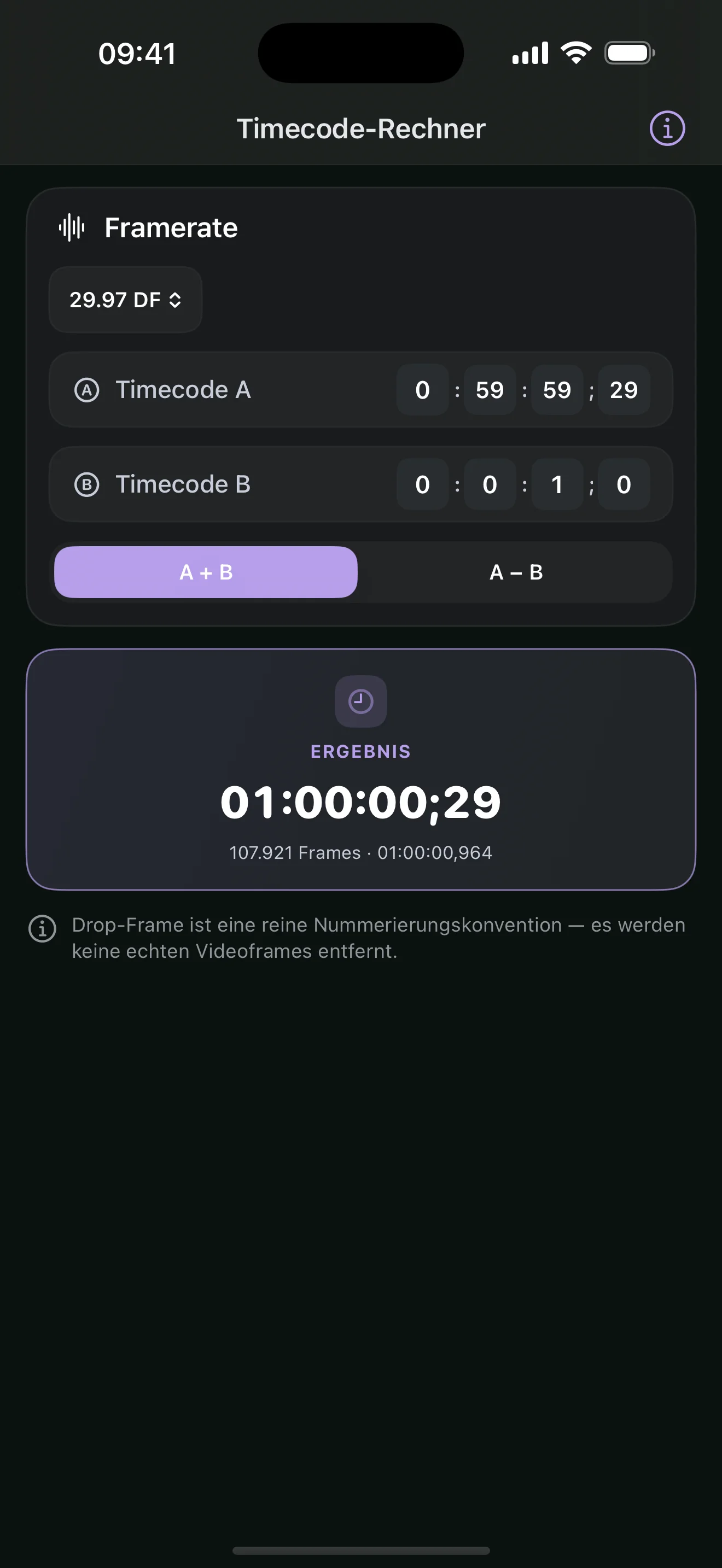
Adds and subtracts SMPTE timecodes with correct drop-frame numbering at 29.97/59.94 fps.
So cue times and show durations stay exact across frame rates, not just estimated.
ONE TOOLKIT / FOUR PHASES
AV Toolkit supports the technical flow of a production with the same clear inputs and results — whether you are preparing, setting up, or isolating a problem.
Calculate image sizes, lenses, LED surfaces, and power demand before equipment is booked or built.
Patch fixtures, distribute devices, and carry values straight into the setup.
Clear units, visualizations, and limits help you verify settings without losing technical context.
Test reachability, find devices, and detect AV protocols directly on the production network.
WHAT IT IS / WHAT IT ISN'T
Before you download: what AV Toolkit is built for — and what it isn't.
For AV technicians and crews across planning, setup, and operation — video, audio, lighting, power, and IT. If you need reliable numbers on productions instead of guesswork, it's for you.
No — by design. AV Toolkit calculates, converts, and verifies. It doesn't control a show and doesn't replace calibrated measurement gear. It's the fast field tool, not the lab.
No. Every calculator runs offline on the device. Network access is used only by the tool you currently have open — and only then.
Calculations and settings stay local on your iPhone or iPad. No cloud, no analytics SDK, no advertising profile.
AV Toolkit is a native app for iPhone and iPad, iOS 18 and later. There is no Android version.
Yes. They discover and verify passively — reachability, devices, and AV protocols on the network. They don't intervene, reconfigure, or change other devices.
€29.99 as a one-time purchase. No subscription, no in-app purchases — all 31 tools included.
PRIVACY / BY DESIGN
No account, analytics SDK, or advertising profile. Calculations and settings stay on your device; network access is used only by the tool you actively open.
See the privacy details